




How to Use Embedded Navigation
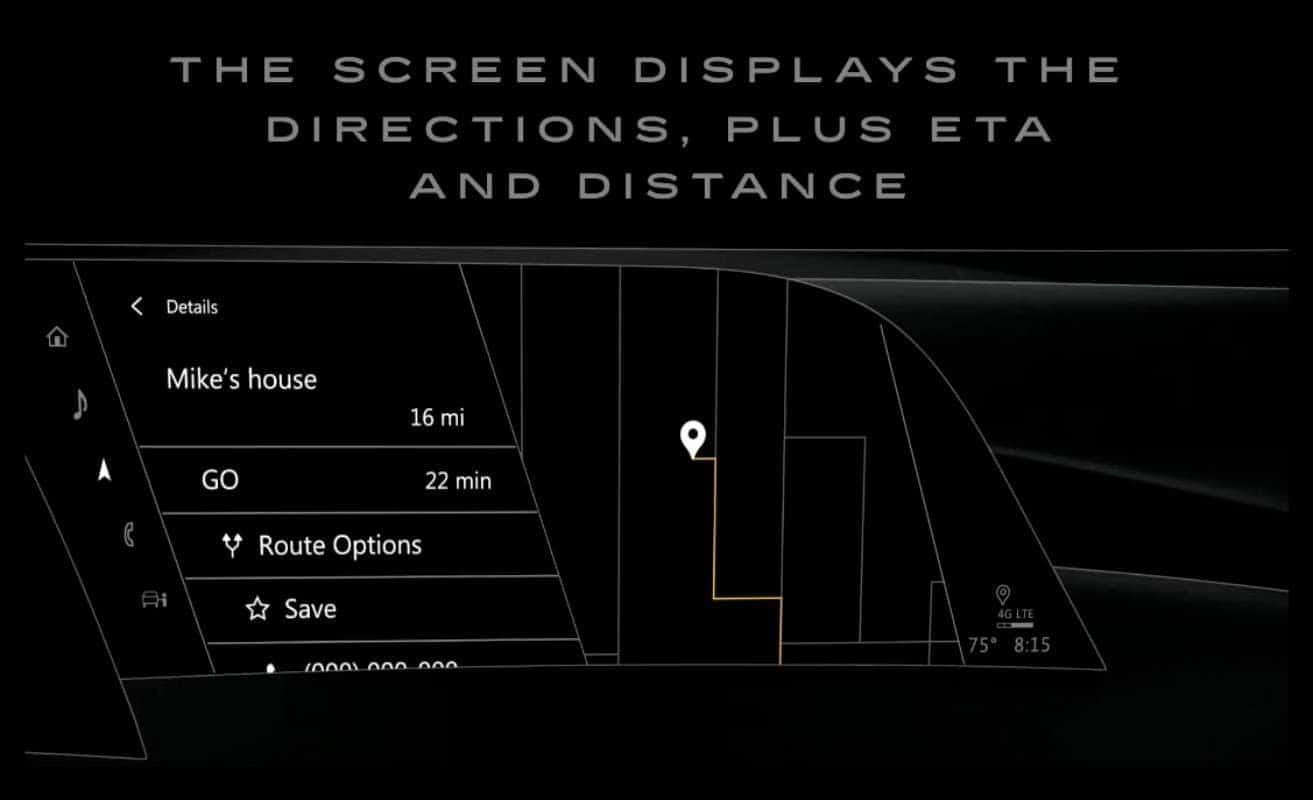
If your vehicle is equipped with available embedded navigation, you’re literally a tap away from finding your next route. Just hit the search icon when parked, and enter your destination, or press and release the push-to-talk button on your steering wheel to use voice commands. After the beep, say “navigation,” and then give an address, like “123 Main Street,” an intersection, like “Corner of Main Street and Jefferson Boulevard,” a point of interest, like “Museum of Art,” a contact, like “Mike’s house.” Then, follow the voice prompts.
After you start a route, the route guidance screen displays the directions and lets you view more information, like ETA or driving distance. Press and hold the favorite button to save a destination. Mute voice prompts with one touch, or tap and trip, to stop an ongoing route. You can also customize your route by tapping the menu icon, then choosing your preferred map view. Want help to make travel even easier? Available connected navigation enhances your vehicle’s embedded navigation, is available for a trial period or through a paid Cadillac Connected Services subscription, so you can see realtime traffic and avoid delays, realtime fuel prices in nearby gas stations, realtime parking to help you find available spaces, and other realtime places of interest to let you find open stores and attractions. As the system knows you more, it will also suggest routes based on your navigation habits. How smart is that?
0 comment(s) so far on How to Use Embedded Navigation