




Cadillac My Account: Managing your Vehicle Online
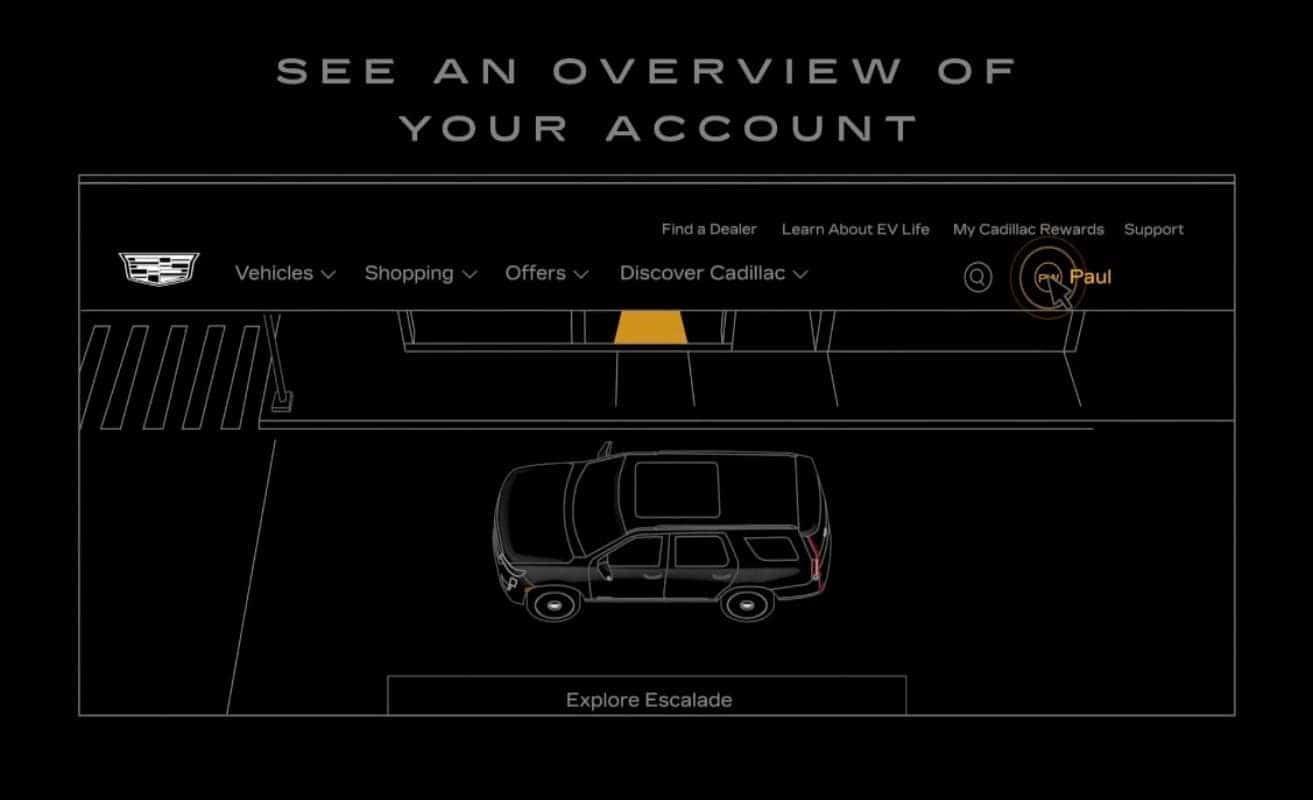
From managing your vehicles, OnStar and Cadillac Connected Services plans, Sirius XM, and rewards, to sharing vehicles through family sharing, you can access them all in your Cadillac account, but first, you’ll need to create one.
To sign up for My Account, visit cadillac.com. Click the My Account icon, select Create Account on the account panel, then enter your email address. You will then receive an email from Cadillac to verify your account. Just hit Verify Email. From there, you’ll be asked to enter your zip code, create a password, sign up for My Cadillac Rewards, and enter personal details like your full name, address, email, and contact number. If you already have an email address associated with an OnStar account, for example, one that was set up during your vehicle purchase, you’ll be linked automatically. Now your registration is done, let’s sign you in.
You can sign in using the email and password associated with your Cadillac owner account. Once you’re signed in, you can click on the avatar with your name to get to your account overview, and from there you can manage your personal information, like updating your email address or contact number, as well as viewing or updating your password and pin, checking your redeemable points on My Cadillac Rewards, managing your OnStar and Cadillac Connected Services plans, Sirius XM subscription, and sharing access to connected services with your family through Family Sharing.
With your Cadillac account, it’s easy to navigate your vehicle details, see your account overview, explore plans, subscriptions and rewards, and even schedule your vehicle for service, all in one place.
0 comment(s) so far on Cadillac My Account: Managing your Vehicle Online